
Overview
The Memorial Page lets you write your own obituary and take control of how you are remembered. Add a photo, a personal message to readers, and an About Me section in your own words. Your Digital Executors can use the page to inform friends and contacts of your passing when the time comes, and can optionally add a message of their own covering funeral arrangements or other wishes.
You can choose to have your Memorial Page published on Inheritable’s permanent In Memoriam public site, making it accessible to anyone you would like to be able to find it. Use the Preview button to see exactly how your page will appear before making it live.
The Preview button opens a popup showing exactly how your memorial page will appear to readers. Use this to check the layout, photo, and wording before setting your Publish State to Complete or enabling public sharing.
You can update your content and preview it as many times as you like. Nothing is made public until you choose to share it on the public memorial site.
Your Digital Executors can use your Memorial Page to inform friends and contacts about your passing at the appropriate time. They can update the Publish State to Complete and, if you have chosen to share on the public site, activate that setting when they are ready.
The Message from Digital Executors field gives them a space to add timely information, such as funeral arrangements or a personal note on your behalf, which can optionally appear alongside your content on the public page.
Let your Digital Executors know your wishes for the Memorial Page in advance, particularly whether you want it shared publicly and whether you are happy for them to add their own message. Clear guidance avoids difficult decisions at an already difficult time.
Pages shared on Inheritable’s public In Memoriam site are permanently hosted, giving friends and family a lasting place to remember you. You can change your mind about public sharing at any time by returning to this form and updating the setting.
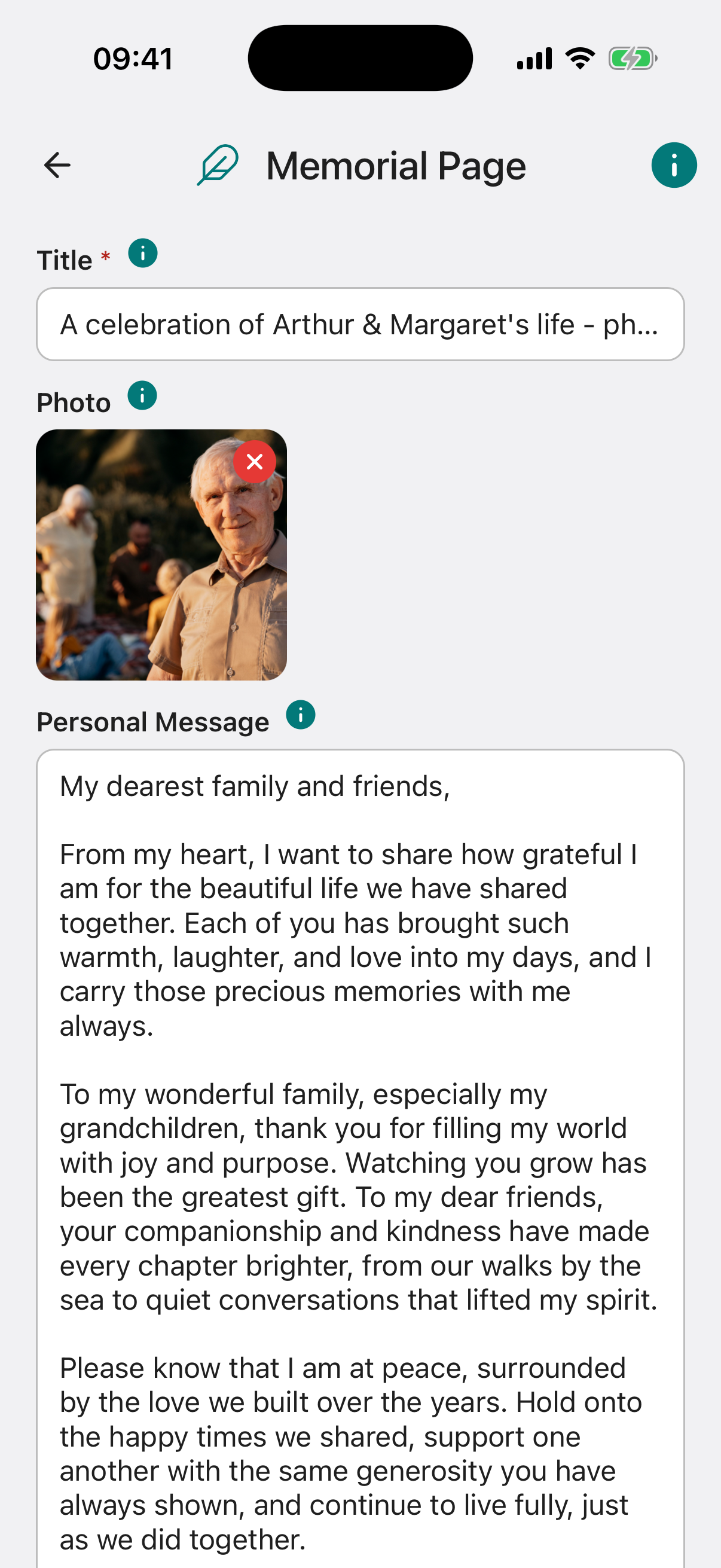
Title required. The heading for your memorial page, typically your name as you would like it to appear.
Attach Photo. A photograph to appear on your memorial page. Choose an image that represents you as you would like to be remembered.
Personal Message. A direct message to the people who will read your memorial page. This could be words of comfort, gratitude, or anything you would like to say to those you are leaving behind.
About Me. Your obituary in your own words. Share your life story, the things that mattered to you, your achievements, and anything else you want the world to know about who you were.
Publish State. Set to Draft while you are still working on your page. Switch to Complete when you are happy with the content and ready for it to be used.
Share on Public Memorial Site. Choose whether your memorial page should appear on Inheritable’s permanent In Memoriam public site, where friends, family, and others can find and visit it.
Message from Digital Executors. A field your Digital Executors can use when the time comes to add a message, such as details of funeral arrangements or other information they wish to share with those reading your page.
Include Above Message on Public Site. Controls whether the Digital Executor’s message is shown on the public memorial site alongside your own content.