
Overview
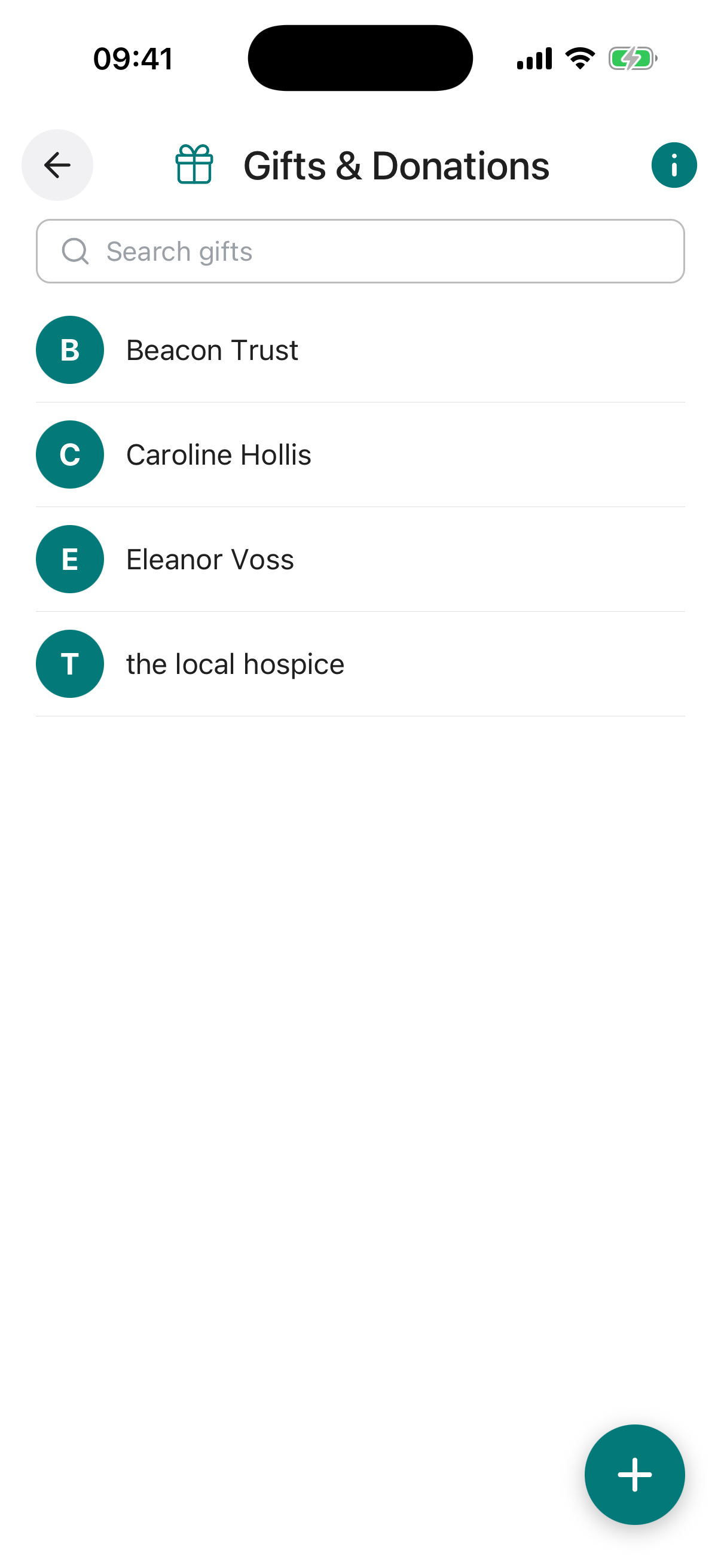
Gifts & Donations provides a structured record for logging gifts and donations you have made or intend to make. This is useful for tracking past asset allocations for tax purposes, noting items that have been gifted but may still be in your possession, and advising your executor about donations to be made from your remainder fund after your passing.
All entries are safeguarded with advanced encryption and row-level security, ensuring privacy and access solely for you or those you authorise.
Each entry in the list displays icons to indicate the status of the gift or donation at a glance.
-
Add an entry. Tap the + button to create a new record. Add a title, recipient, and a date if the gift has already been made.
-
Set the date or leave it unset. Enter the date the gift is, or will be, made. The list then shows a calendar icon for a future date, a history icon once the date has passed, and a heart icon when no date is set, meaning the gift is to be made from your estate on your passing.
-
Attach supporting documents. Upload receipts, letters, or photographs as evidence. This is especially useful for gifts of physical items or charitable donations where a record may be needed for tax purposes.
-
Add a note to your Digital Executor. Use this field to leave specific instructions, such as which account to draw the donation from or any conditions around the gift.
Keeping a dated record of gifts and their values is good practice for inheritance tax planning. Recording gifts made in the seven years prior to your passing can be important for your estate, and having them documented in one place makes the process significantly easier for your executor.
If you have gifted an item that remains in your physical possession, for example a piece of jewellery or a firearm that you have promised to a specific person, record it here with a note. This helps avoid uncertainty for your executor and ensures the intended recipient receives it.
Title required. A short label for the gift or donation, for example “Air Rifles” or “£1000 to Battersea Dogs Home”.
Description. Additional detail about the gift or donation, such as a description of the item, the reason for the donation, or any conditions attached.
Value. The monetary value of the gift or donation, with a currency selector. This is particularly useful for tax record-keeping.
Recipient(s) required. The person, organisation, or charitable trust receiving the gift or donation. You can select from your existing contacts or add a new one.
Date of Donation required. The date the gift or donation was made, or is intended to be made. A past date indicates it has already been given. If the donation is to be made on your passing, leave the date unset and the entry will be marked accordingly.
Note to Digital Executor. A private message to your Digital Executor with any specific instructions, context, or wishes related to this gift or donation.
Reminder. Set an optional reminder for this gift or donation, with its own title, a short note, a date, and how often it should repeat (once, weekly, monthly, and so on). Useful for a planned future donation. You can switch the reminder on or off at any time.
Attach Document / Photo / Video. Upload a supporting file, such as a receipt, letter of donation, photograph of the gifted item, or any other relevant evidence. You can upload from your device or pull a file straight from your Digital Vault.