Vault @ Home
64GB USB Drive
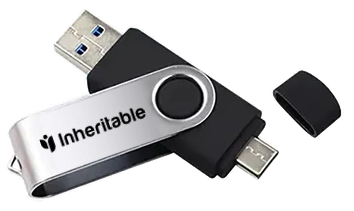
A physical Inheritable key for keeping an offline copy of what matters most, at home and in your control. It works hand in hand with the Vault @ Home feature in the app. You encrypt the data, keep it in your secure place. We keep a copy of the unlock code and pass it to the right person at the right time. Very secure solution.
This USB Drive is supplied as a USB-A and USB-C capable device.
It is laser etched with a unique ID on each device.
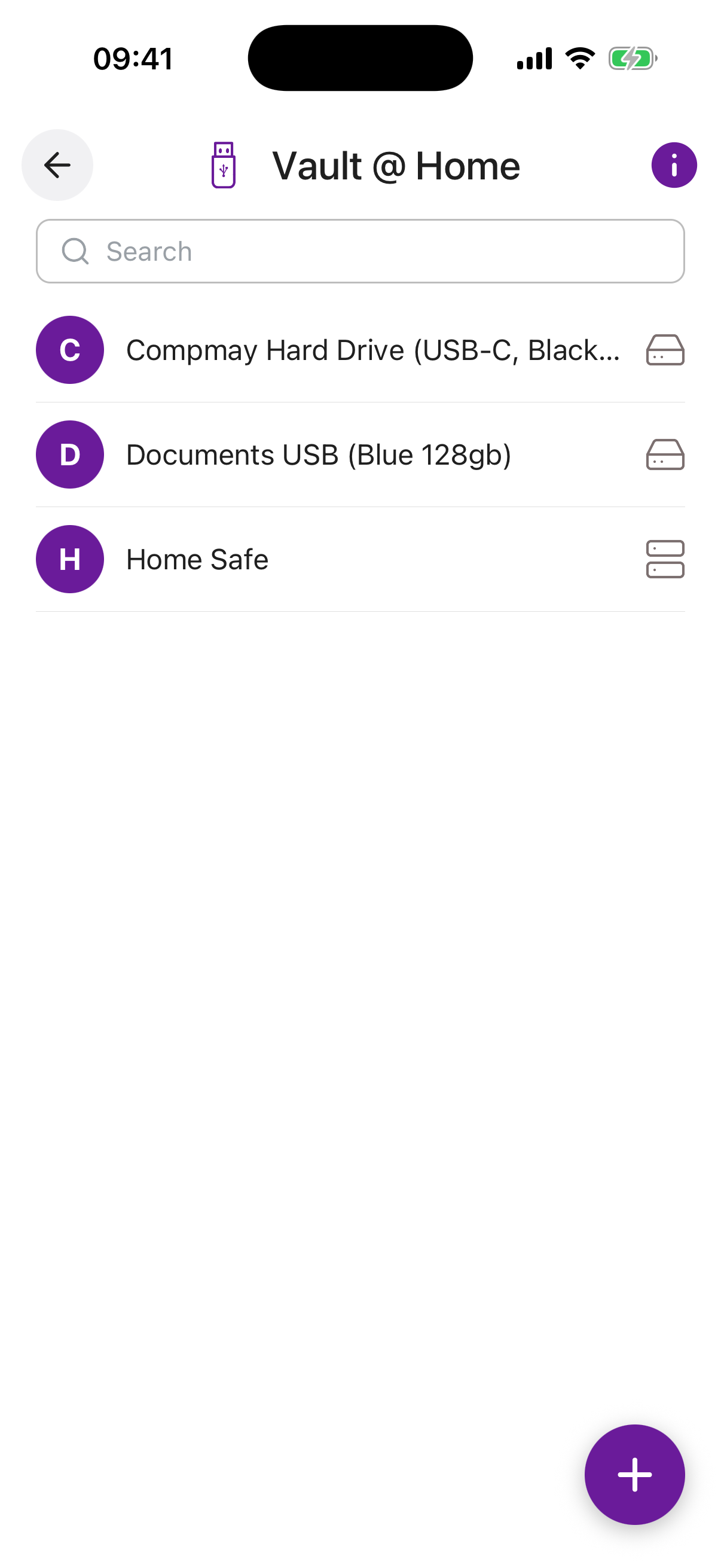
Catalogued in the app
The Vault @ Home feature in the Inheritable app is where you record the things you keep at home: the drives, disks and safes, and this USB key. You note what each one holds and where it is kept, so the record stays useful even though the contents never touch the internet. The app keeps track of it; the key keeps your files.
Found by the right people
A copy at home is only useful if the right person can find it. Because the key is logged in Vault @ Home and shared on the terms you set, a trusted person or your Digital Executor knows it exists, knows what is on it, and knows where to look, without you having to leave instructions on a scrap of paper.
How it works
-
Encrypt the drive
Encrypt the USB drive to suit your needs, so its contents stay private and can only be opened with your password.
-
Add what matters
Put copies of the important documents, photos, videos and other files you most want to protect onto the drive.
-
Record it in the app
In the Vault @ Home feature, add the USB key with its unique ID and any identifying marks, then set the unlock phrase for the person who will receive the information when the time comes.
-
Choose who receives it
Specify who will receive the drive, and when it should reach them.
Get a Vault @ Home USB
The Vault @ Home USB is included in the Inheritable boxed gift, lifetime pack. See the gift options, or buy one directly if you would like one on its own. You do not need to use an Inheritable branded USB key, any USB thumb drive or portable disk will do, so long as you can identify it correctly.