
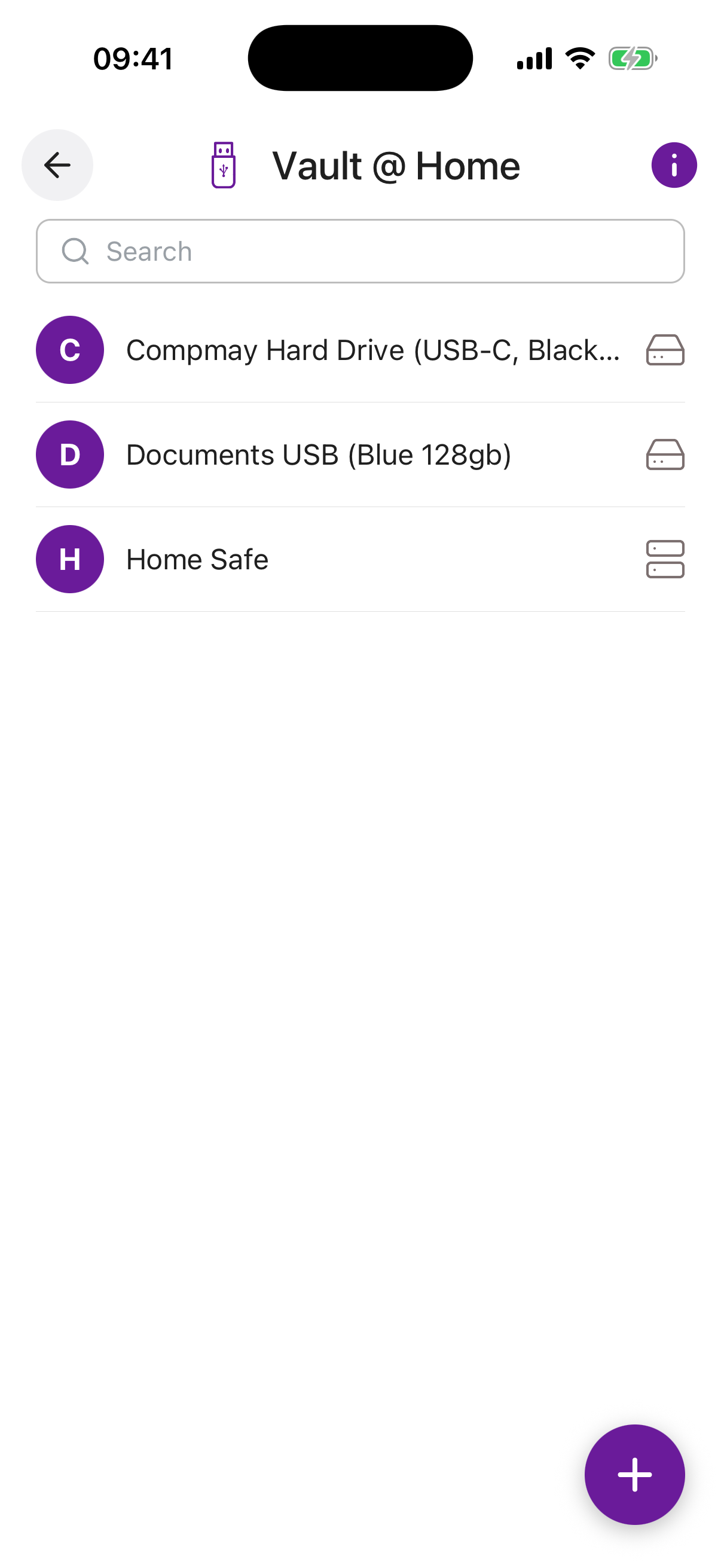
Overview
Vault @ Home is for anyone who wants to keep documents, photos or videos in their own home, without uploading them to a cloud service.
Store your content on a USB Flash Drive or portable disk, encrypt it using BitLocker, FileVault or LUKS, then store the passphrase or unlock code securely in Inheritable. Assign a recipient and we will pass the secret to them when the time comes.
There is no limit to the number of secured devices and you can assign different devices to different contacts. Hand the device to your heirs and be confident they have the right information at the right time, all protected and secured until they need it.
There is no limit to the number of Vault @ Home entries you can create, and each device can be assigned to a different recipient. This makes it easy to keep different collections of files , family photos, financial records, personal documents , separate and directed to the right person.
The Inheritable Vault @ Home is a simple, elegant way to keep a secure physical copy of your most important information. A laser etched, unique serial number is added to aid identification and it includes a QR code printed on it so that family members can understand what it is for.
Each Vault @ Home includes a secure USB drive and clear instructions for linking it to your Inheritable account. Together, they allow you to safely store, access, and back up essential items , from documents and passwords to personal messages and treasured memories , all protected by Inheritable’s encryption and privacy standards.
Used alongside the Inheritable app, it provides an additional layer of reassurance, ensuring your digital world remains safe, accessible, and always within reach.
Name required. A recognisable label for this device, for example “Red USB Stick” or “Home Backup Drive”.
Device Identification required. A unique identifier to help locate the right physical device, for example a serial number, label or any distinguishing mark on the device.
Device Type required. Select whether this is a USB Stick, Portable Disk, or Other. Helps the recipient know what kind of device to look for.
Password / Passphrase required. The encryption passphrase or unlock code for the device. Stored with military-grade encryption and hidden by default. This is the secret that will be passed to your recipient when the time comes. As you type, a live strength indicator shows how strong the passphrase is, helping you choose a secure one.
Notes. Any additional context about the device or its contents, for example where it is kept or what is stored on it.
Recipient. The trusted contact who should receive the passphrase when time arrives.
Reminder. Set an optional reminder for this device, with its own title, a short note, a date, and how often it should repeat (once, weekly, monthly, and so on). You can switch the reminder on or off at any time.